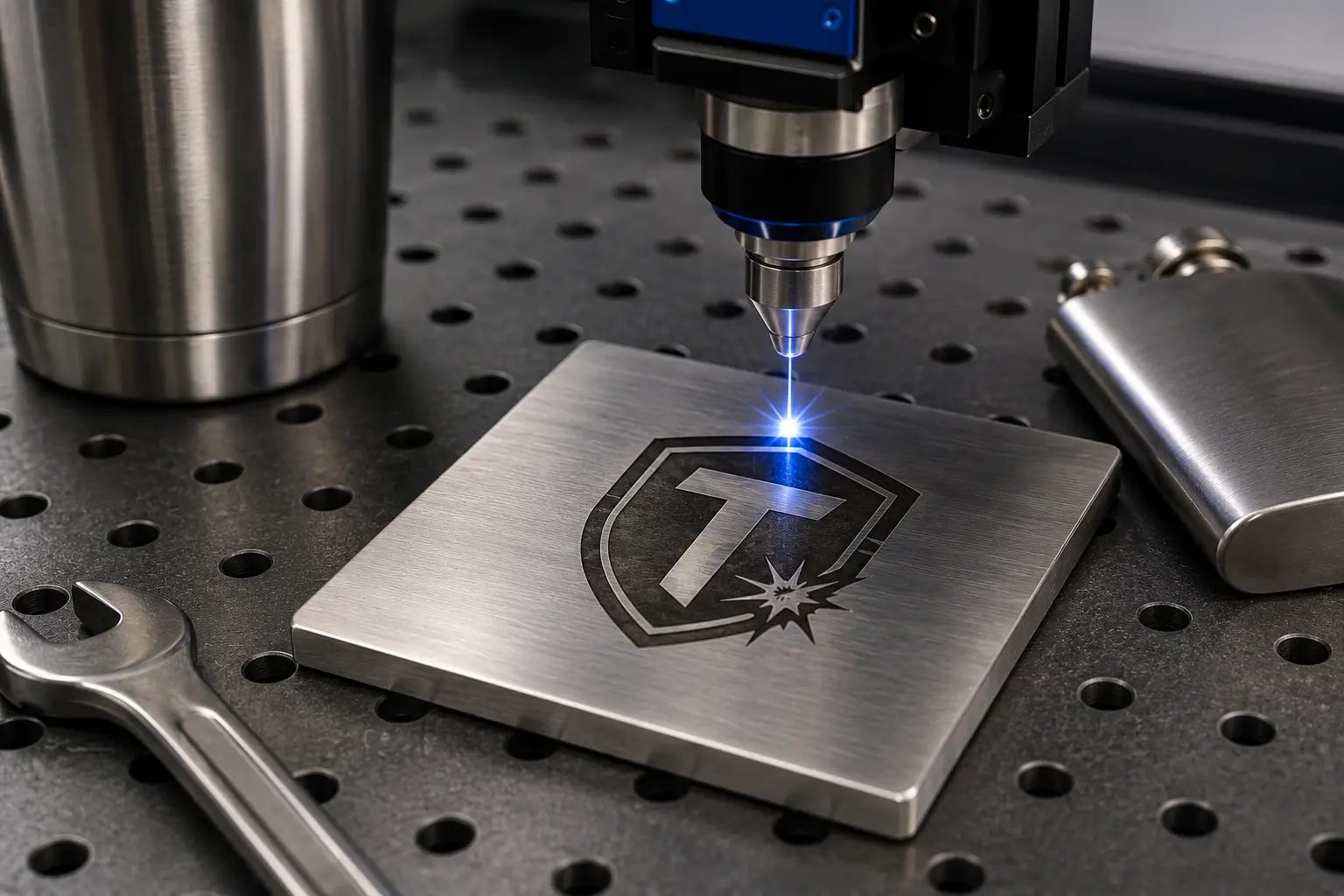
Screen Printing vs. Laser Engraving: Which Marking Process Is Right for Your Product?
A practical guide to two of the most widely used surface-decoration technologies in modern manufacturing.
1. What Is Screen Printing?
Screen printing — also known as silkscreen printing or serigraphy — is a stencil-based printing technique in which ink is forced through a fine mesh screen onto a substrate. A stencil blocks the “negative” areas of the mesh, so ink passes only through the open areas that correspond to the design, transferring a crisp image onto the material below.
How the Process Works, Step by Step
- Artwork & film positive — The design is printed in solid black onto a transparent film. Multi-color jobs require one film (and one screen) per color.
- Coating with photo emulsion — A mesh screen stretched over an aluminum or wooden frame is evenly coated with light-sensitive emulsion in a darkroom and left to dry.
- UV exposure — The film positive is placed on the screen and exposed to UV light. The emulsion hardens everywhere except where the design blocks the light.
- Washout — Pressurized water rinses away the unhardened emulsion, leaving open mesh in the exact shape of the artwork.
- Printing — The substrate is positioned on the press pallet; ink is flooded across the screen and a rubber squeegee pulls it through the open mesh with consistent pressure.
- Curing — The printed item passes through a conveyor dryer so the ink chemically bonds to the substrate, ensuring wash-fastness and durability.
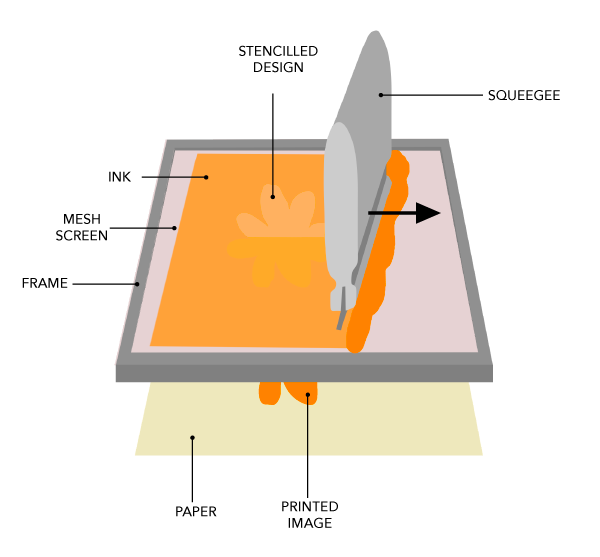
Figure 1. The screen printing setup: frame, mesh screen, stencilled design, ink and squeegee
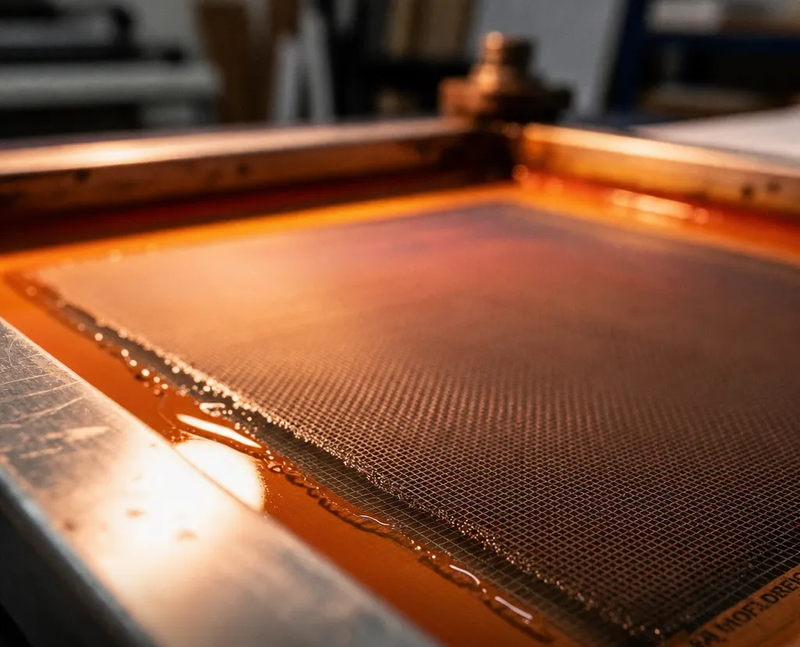
Figure 2. A squeegee pulling ink across the mesh screen on the press
Process detail: The mesh itself acts as both the image carrier and the ink-metering system — its thread count (commonly 120–400 mesh per inch) determines the minimum feature size and the ink deposit thickness.
Where Screen Printing Shines
- Apparel & textiles — T-shirts, hoodies, bags, uniforms
- Promotional products — Pens, mugs, tote bags, giveaways
- Signage & packaging — Posters, banners, labels, paper and board packaging
- Industrial & electronics — Membrane switches, control panels, PCB solder masks, conductive tracks
- Glass, ceramics & plastics — Bottles, panels, housings
Its greatest strengths are vibrant, opaque color (unlimited by ink chemistry), thick ink deposits that survive outdoor exposure, and outstanding economics at volume — once the screen is made, each impression costs very little.
2. What Is Laser Engraving?
Laser engraving is a non-contact, subtractive process: a focused high-energy laser beam vaporizes or alters the surface of the material itself, permanently etching the design into it. Because it removes (or transforms) material rather than adding ink, the mark becomes part of the product.
Typical uses include serial numbers and traceability codes on metal parts, logos on stainless steel and aluminum, personalization on wood, glass and acrylic, and high-precision marks on medical and aerospace components.
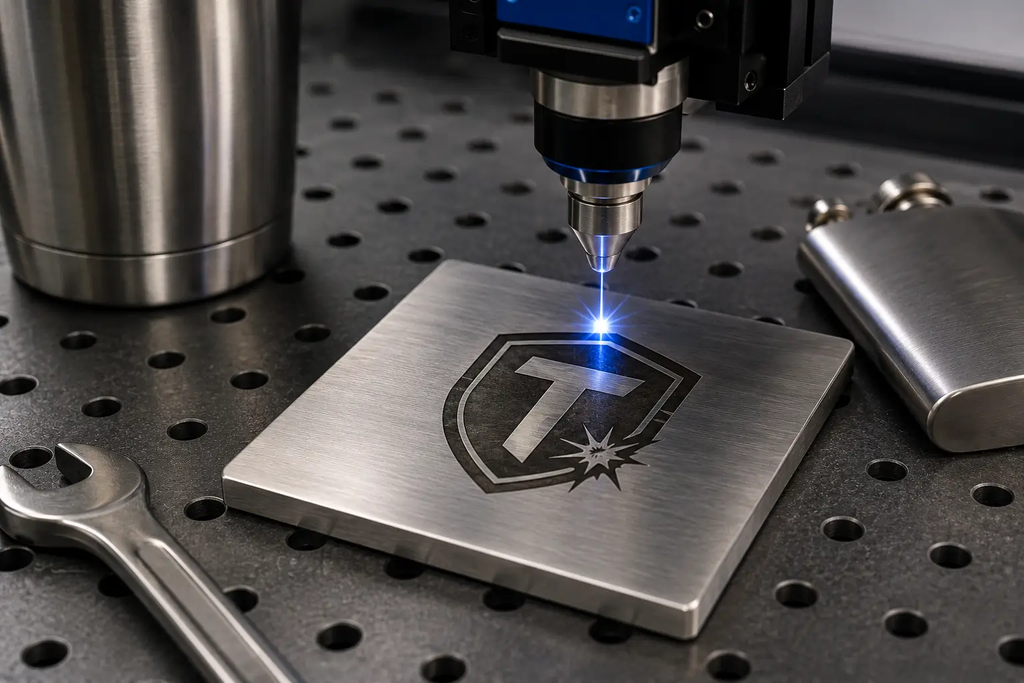
Figure 3. A laser engraving head marking a metal workpiece — no ink, no contact, no cleanup.
3. Head-to-Head: Key Differences
| Dimension | Screen Printing | Laser Engraving |
| Principle | Additive — ink deposited through a stencil | Subtractive — material removed/altered by laser |
| Color | Unlimited; multi-color via multiple screens | Monochromatic (the color the material turns under heat) |
| Precision | Good, but limited by mesh count and squeegee variables | Extremely high; ideal for fine lines, micro-text, barcodes |
| Durability | Ink can eventually abrade with heavy rubbing | Permanent, wear- and fade-resistant |
| Materials | Virtually anything: fabric, paper, plastic, glass, metal | Most metals, glass, ceramics, polymers; some limits |
| Geometry | Best on flat or simple curved surfaces | Handles curved/3D surfaces (X, Y, Z axis control) |
| Setup & cost | Low equipment cost; screen prep per design/color | High equipment cost; almost no per-job setup |
| Speed | Fast per piece once screens are made; great for bulk | Seconds per piece once programmed; no cleanup |
| Environment | Uses inks and cleaning solvents | Cleaner — no ink, no solvents |
| Best batch size | Medium-to-large runs | Prototypes to medium runs, premium personalization |
Screen Printing — Pros & Cons
Pros
- Very low unit cost at volume
- Rich, opaque, multi-color prints
- Works on almost any material and ink type
- Thick ink layer = excellent outdoor durability
Cons
- Screen making (film, emulsion, exposure, washout) adds lead time
- Lower resolution for ultra-fine detail
- Ink can wear under constant abrasion
- Cleanup and solvent handling required
Laser Engraving — Pros & Cons
Pros
- Highest precision and permanence
- No consumables, no cleanup, minimal prep
- Non-contact — no mechanical stress on the part
- Digital workflow: instant design changes, serialization
Cons
- Monochrome only — no true color
- Higher equipment investment
- Material removal may not suit every application
- Depth control on uneven surfaces can be challenging
4. How to Choose
Ask three questions:
- Do you need color? If yes — especially vibrant multi-color graphics on textiles or packaging — screen printing wins outright.
- How permanent must the mark be? For dials, switches, serial numbers and parts that face abrasion or sterilization, laser engraving’s permanence is unmatched.
- What’s your volume and budget? Large runs of colorful promotional items favor screen printing; low-volume, high-value, high-precision marking favors laser engraving.
Many manufacturers use both: screen printing for colorful brand graphics, laser engraving for serial numbers and functional markings — each process doing what it does best.
Whether you’re branding apparel at scale or marking precision components for traceability, understanding the strengths of each process helps you get the best result at the right cost, Utely Machine (wwww.utelymachine.com) would advise properly.